Business9 min read
Roofing Business Cards: What to Print and What to Leave Off
Roofing business cards that get kept: what to print, what to leave off, license number rules, QR codes for reviews, and when to hand a card over.

In this article
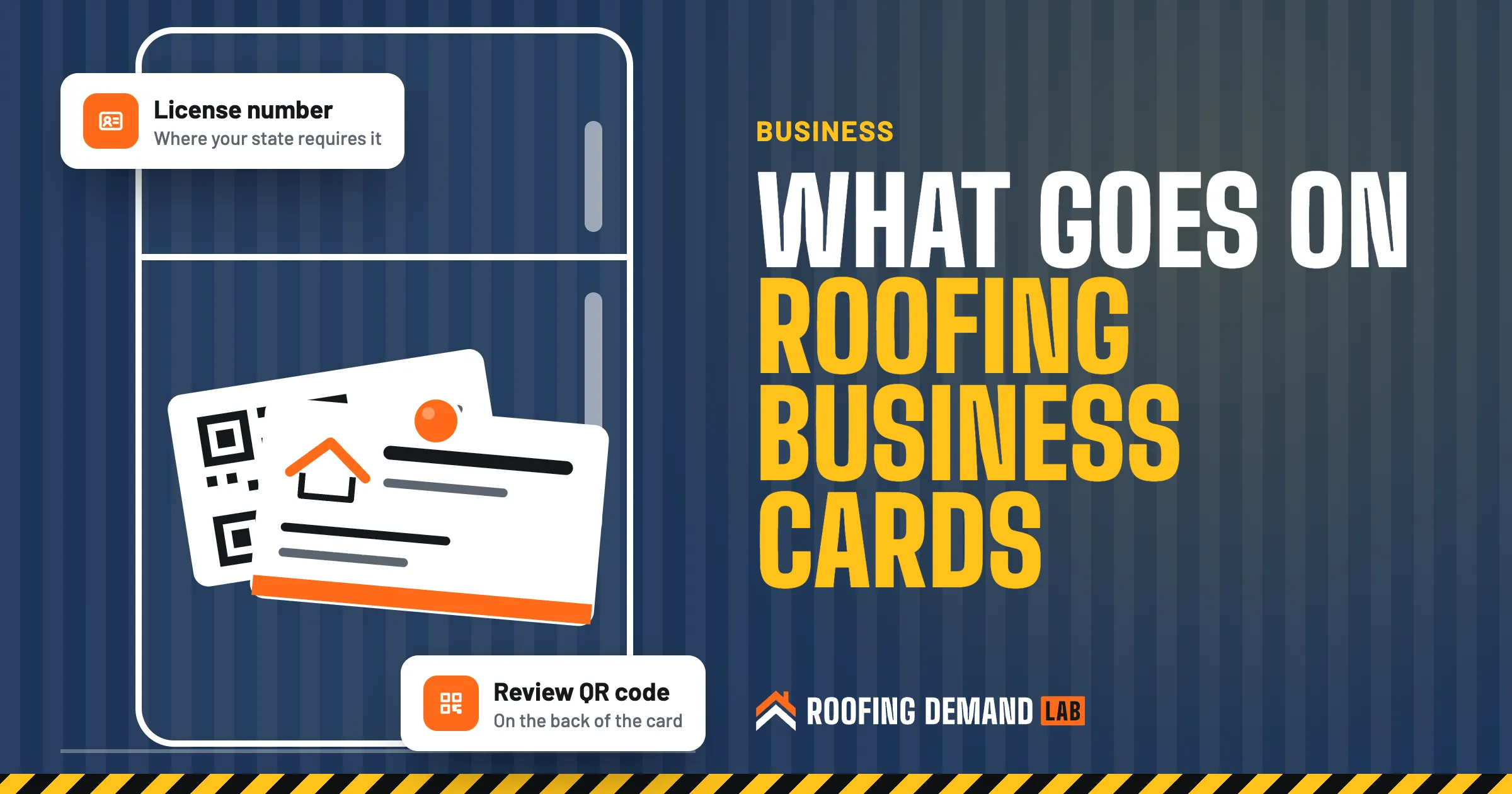
Most roofing business cards don’t get read the day you hand them over. They get read a week later, when the homeowner pulls yours off the fridge and tries to remember which of the three roofers who came out was the one with the drone. That’s the moment the card has to do its job: tell them who you are, how to reach the person they met, and where to check you out before they call.
So the best roofing business cards are plain. Everything you add competes for the same small space.
The short answer
Print your company name exactly as it appears on your website and Google profile, your own name and role, one phone number someone answers, your website, and your license number where your state requires it. Use the back for a QR code to your review page or a contact page. Leave off claims you can’t prove, extra phone numbers, a long list of services, and anything about insurance deductibles or rewards for reviews.
What to print on a roofing business card
The front says who you are and how to reach you. The back says what to do next.
1. Your company name, the same way everywhere
Use the exact name on your truck, your website, and your Google Business Profile. Google’s guidelines say your profile name should match your business’s real-world name, “as used consistently on your storefront, website, stationery,” and as customers know it (Google Business Profile guidelines (opens in a new tab)). A card with one version of your name and a profile with “& Exteriors LLC” tacked on isn’t a disaster, but it’s one more small mismatch for a homeowner who’s comparing you with someone else. Pick one version and stick with it.
If your logo is detailed, use the simplified version. Our guide to roofing logos explains why a logo has to hold up this small.
2. Your name and what you do
The homeowner met a person, not a company. Put that person’s name on the card with a plain role under it: Owner, Project Manager, Estimator. Skip titles that need explaining. When the homeowner calls back, they can ask for you by name, and the office knows who quoted the job.
3. One phone number someone answers
Pick the number you most want people to use and print only that one. If it’s the office line, make sure someone answers or checks voicemail the same day.
If your card says “Call or text,” reply to the person who texts you, but don’t add them to marketing texts without permission. FCC rules say commercial texts require written consent, and autodialed texts to a wireless number need prior consent (FCC guide to robocalls and robotexts (opens in a new tab)).
Add an email only if it’s on your own domain and someone reads it.
4. A website address people can type
Print the short version: yourcompany.com, not https://www.yourcompany.com/home. If the homeowner types it in, it should land on a page that looks like the person who handed them the card: real job photos, your service area, and a way to request an inspection. If your site can’t do that yet, our walkthrough on how to build a roofing website can help, or we can build one as part of a roofing website design plan.
5. Your license number, where your state requires it
This line is easy to forget, and in some states it isn’t optional. California’s licensing board lists business cards by name as one of the ways contractors advertise, and it says licensed contractors must include their license number in all forms of advertising (CSLB advertising guidelines (opens in a new tab)).
Other states word it differently. Florida law requires a contractor’s registration or certification number on each offer of services, business proposal, bid, contract, or advertisement, but the same section says “advertisement” doesn’t include business stationery (Florida Statutes 489.119 (opens in a new tab)). Whether a card counts as stationery there is a question for the board, not a guess.
Check your state’s rules
License and advertising rules differ by state, and some cities and counties add their own. Before you print, check with your state contractor licensing board or ask an attorney. When the rule isn’t clear, printing the number costs you nothing and saves you a question later. This is general information, not legal advice.
6. What you actually do
A short line like “Roof replacement, repair, and inspections” is plenty. Keep it to work you’re licensed for. CSLB says contractors can’t advertise construction work outside the classifications they’re licensed in (CSLB advertising guidelines (opens in a new tab)), so before you add “gutters, siding, windows” to fill space, check that your license covers each one.
7. A QR code on the back that goes somewhere useful
The back of the card is where a lot of roofing cards waste space, and it’s the best place for a QR code. Two good choices:
- Your Google review page. Google lets you create a link or QR code to request reviews from your Business Profile on a computer, and suggests printing it for customers (Google’s help page on review links and QR codes (opens in a new tab)). This card goes out at the final walkthrough. Our guide to getting more roofing reviews covers the full routine.
- A contact or inspection page on your site. Add campaign tags to the link so you can see how many people came from the card. Google Analytics says adding UTM parameters to campaign URLs shows which campaigns sent traffic, and recommends always using utm_source, utm_medium, and utm_campaign (Google Analytics help on UTM parameters (opens in a new tab)). Something like
utm_source=business-card&utm_medium=printis enough.
Print the web address next to the code in plain text. The FTC tells consumers that if they see a QR code in an unexpected place, they should “inspect the URL before you open it” (FTC consumer alert on QR codes (opens in a new tab)). A visible address that matches your company name makes that check easy.
Leave a little blank space on the back too. A matte finish takes a pen, so you can write the inspection date, an estimate number, or “Ask for Maria” before you hand it over. That handwritten line ties the card to the visit they remember.
What to leave off a roofing business card
Here’s what crowds a card, and what to print in its place.
| Leave this off | Print this instead | |
|---|---|---|
| Claims | “Best roofer in town” or “#1 in the county” | A fact you can show, like your license number or years in business |
| Phone numbers | Office, cell, fax, and a second cell | One number someone answers |
| Services | Twelve services in tiny type | One short line of the work you’re licensed for |
| Social media | Icons for every account, including dead ones | One account you post on, or none |
| California cards | “Licensed, bonded, insured” | Your license number (CSLB says not to advertise that you’re bonded) |
| QR code | A code to your homepage with no address printed | A code to your review or contact page, with the address next to it |
Claims you can’t back up. “Best” and “#1” are claims, and the FTC says advertisers must have evidence to back up their claims, and that the law requires proof “before the ad runs” (FTC advertising FAQs for small business (opens in a new tab)). A business card is advertising. If you can’t prove it, don’t print it.
“Bonded,” in California. CSLB says the law prevents contractors from stating in advertising that they’re bonded, since customers may think a bond protects them more than it does (CSLB advertising guidelines (opens in a new tab)). Other states differ, so check yours.
Two lines that never belong on a card
Never print a reward for reviews, like “$25 off for a 5-star review.” Google’s policy says merchants may not offer incentives for reviews or selectively ask happy customers for them (Google’s prohibited and restricted content policy (opens in a new tab)), and the FTC’s rule on consumer reviews bans incentives conditioned on a review expressing a particular sentiment (FTC final rule on fake reviews (opens in a new tab)). And never print anything about covering a deductible. Florida, for example, bars contractors from offering a residential owner a rebate, gift, cash, coupon, deductible waiver, or anything of value in exchange for a roof inspection or an insurance claim (Florida Statutes 489.147 (opens in a new tab)). Several states restrict how contractors handle claims, so check your state’s rules or ask an attorney.
When to hand out roofing business cards
A card works best when it follows a real conversation. These are the moments it earns its keep:
- At the inspection Hand it over before you climb the ladder, not after. Write the date on the back so they remember which visit it was.
- With the estimate Clip a card to the printed estimate, or attach it to the email as a contact the homeowner can save. Our roofing estimate template shows what belongs in the rest of that package.
- At the final walkthrough This is the review card, with the QR code to your Google review page. Ask in person, then hand it over.
- For the neighbor Give a happy customer two cards and tell them the second one is for whoever asks about the new roof. If you run a roofing referral program, the details can go on the back of that second card (check your state’s rules on referral rewards first).
Door-to-door is different. Many cities and counties require a permit for soliciting, so check with yours before a crew walks a neighborhood. And keep cards out of mailboxes. USPS rules say mail receptacles may be used only for matter bearing postage, and that includes anything placed on, attached to, or hung from the box (USPS Domestic Mail Manual 508 (opens in a new tab)). Hand the card to a person, or skip that house.
Keep a stack in every truck, too. When a neighbor walks over to ask about the job, the crew lead can hand one over, and with a yard sign in the yard, the neighbors who notice the work have two ways to find you.
Printing tips that save a reprint
- Order small runs. You’ll change something: a new number, a new estimator, a new service. A smaller batch you finish beats a box of outdated cards.
- Test it at arm’s length. Print one copy, hand it to someone, and ask them to read your phone number without bringing it closer. If they squint, the type is too small.
- Scan the QR code before you order. Try it on two phones from the printed proof, and check that the page it opens still works a month later.
- Keep old web addresses renewed. If a card ever pointed to a different domain, keep paying for it and forward it to your current site. Cards sit in drawers for years, and a lapsed address means those cards point somewhere you don’t control.
A business card tells the same story as your website, your Google profile, and your trucks. When they all match, a homeowner comparing roofers can pick you back out of the pile.
Questions roofers ask about business cards
What should a roofing business card include?
Your company name as it appears on your website and Google profile, your name and role, one phone number, your website, and your license number if your state requires it. Use the back for a QR code to your review or contact page, with the address printed next to it.
Do I need my license number on my roofing business card?
In some states, yes. California’s licensing board names business cards as advertising and requires the license number on all advertising. Other states word their rules differently, so check with your state contractor licensing board.
Should a roofing business card have a QR code?
It’s a good use of the back. Point it to your Google review page on the cards you hand out at the final walkthrough, or to a tagged contact page on the cards you give out at inspections. Print the address next to the code so people can see where it goes.
What do roofers use instead of business cards?
Some roofers send their contact details by text or email after the first visit, or use a digital card that saves straight to the homeowner’s phone. Those work best alongside a printed card, which is still the thing a homeowner can stick on the fridge and find a week later.