Websites9 min read
How to Build a Roofing Website That Books Inspections
How to build a roofing website that books inspections: builder vs. template vs. agency, the pages to plan, phone speed, proof, forms, and the rules to follow.

In this article
- Decide what the site has to do
- Roofing website builder, template, or agency?
- How to build a roofing website, step by step
- 1. Register the domain in your company’s name
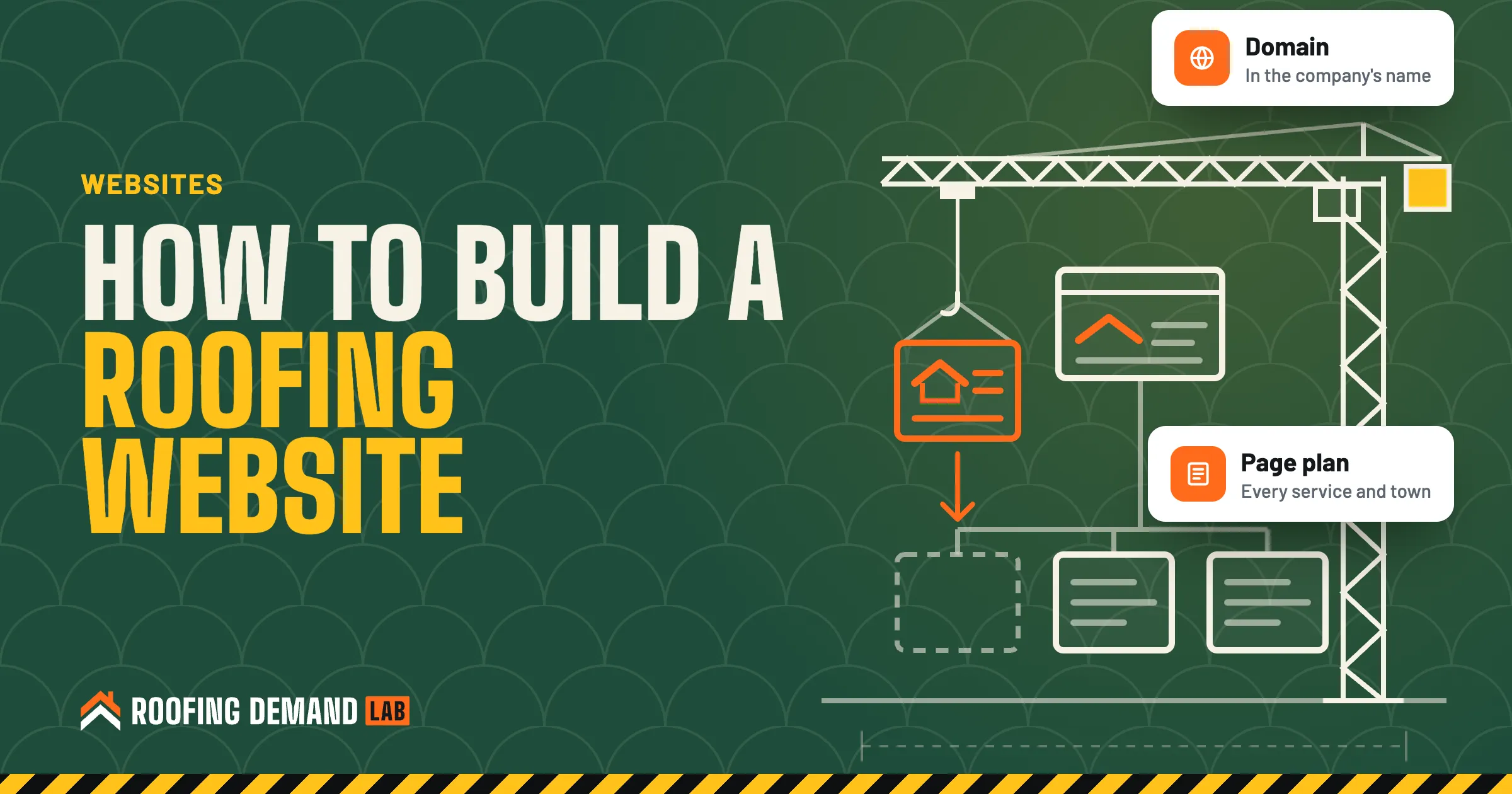
- 2. Map the pages before you design anything
- 3. Write the words before you pick a design
- 4. Build it for the phone first
- 5. Put your proof where people look
- 6. Make calling and the form easy, with honest fine print
- 7. Make it usable for everyone
- 8. Set up the technical basics before launch
- After it’s live
- Questions roofers ask about building a website
If you want to know how to build a roofing website, start with the pages, not the platform. Decide which jobs and towns you want, write a page for each one, and only then pick a builder, a template, or someone to build it for you. A lot of roofing websites that don’t bring in calls went wrong at the planning stage, long before anyone picked colors.
Most guides on this come from companies that sell a website builder, so they lead with the tool. The hard part is knowing what a homeowner with a leak needs to see on a phone, and making sure Google can tell what each page is about.
The short answer
Register the domain in your company’s name, plan one page for each service and each town you want work in, and write plain answers to the questions homeowners ask. Then build it phone first: fast pages, a tap-to-call button, a short form, your license and insurance details, and your own job photos. A website builder works if you have time; an agency makes sense when you’d rather be on roofs.
Decide what the site has to do
A roofing website has one main job: turn a stranger into an inspection request. Everything else (your story, the gallery, the blog) supports that job or gets cut.
Before you open any builder, write down three lists:
- The services you want more of. Replacement, repair, storm and hail damage, metal, flat roofs, gutters. Only the work you actually want to sell.
- The towns you want work in. Not every town you’ve ever driven through. The ones where you want the next 50 jobs.
- The questions you answer on every call. What a new roof costs here, repair or replace, how long it takes, whether you handle insurance paperwork.
Those lists become your site map. If you’ve already researched roofing keywords, each keyword group should line up with one page.
Roofing website builder, template, or agency?
There are three common ways to get one built, and none is right for everyone.
| Website builder (DIY) | Template on WordPress | Agency or monthly plan | |
|---|---|---|---|
| Your time | A lot, up front and every month | A lot, plus plugin and update upkeep | Mostly answering questions and sending photos |
| Upfront cost | Low | Low to moderate | Varies: a build fee, or a monthly plan |
| Who fixes it when something breaks | You | You, or whoever you hire | The agency |
| SEO and page planning | Up to you | Up to you | Usually part of the job, so ask |
| Biggest risk | A pretty site with one “Services” page | Outdated plugins and a slow site | Not owning your domain or accounts |
A builder is a fine choice for a brand-new one-crew company with more evenings than cash. Just know you’re signing up to be the web person too. If you’d rather spend those hours on estimates, hiring the work out may be the better use of your time.
Whoever builds it, ask before you sign: who owns the domain, the Google Business Profile, and the analytics account, and what happens to the site if you cancel? Get the answer in writing. That goes for every agency, us included.
How to build a roofing website, step by step
1. Register the domain in your company’s name
Buy the domain yourself, in the company’s name, with an email address you’ll still check in five years. ICANN’s registrant rules say you’re responsible for keeping your contact details accurate and your registrar account current, and that you take “sole responsibility for the registration and use of your domain name” (ICANN’s registrants’ benefits and responsibilities (opens in a new tab)). If a former web designer registered it under their own account, getting it back can turn into a fight.
Our guide to roofing company names covers the domain check along with the name.
2. Map the pages before you design anything
A typical roofing site that’s built to book inspections looks something like this:
- A homepage that says what you do and where, in one line
- One page per service: replacement, repair, storm damage, and so on
- One page per town you want work in
- A projects page with real jobs, by town and roof type
- An about page with your license, insurance, and crew
- A contact page, plus a form on every page
The town pages are where most roofing sites go wrong. A page that swaps the city name into the same paragraph isn’t much use to anyone.
Google’s doorway rules
Google’s spam policies list “having multiple domain names or pages targeted at specific regions or cities that funnel users to one page” as an example of doorway abuse (Google’s spam policies (opens in a new tab)). Build a town page only when you can fill it with real local detail: jobs you’ve done there, the roof types common in those neighborhoods, the weather that hits it.
3. Write the words before you pick a design
Designers often ask for content last. Do it first, because a layout built around placeholder text tends to fall apart once the real words show up.
For each page, write:
- A headline with the service and the area: “Roof replacement in Plano and Frisco”
- A plain answer to the main question in the first paragraph
- What happens after someone calls: inspection, photos, written estimate
- A short FAQ drawn from the questions you hear on the phone
Then handle the details Google reads. Its SEO starter guide (opens in a new tab) says a good page title is “unique to the page, clear and concise, and accurately describes the contents of the page,” and suggests URLs with words “that may be useful for users” instead of random ID numbers. So /roof-repair-plano/ beats /page-id-4471/.
4. Build it for the phone first
Plenty of homeowners will find you on a phone, and Google indexes the phone version too. Google says it “uses the mobile version of a site’s content, crawled with the smartphone agent, for indexing and ranking” (Google on mobile-first indexing (opens in a new tab)). If a section is hidden or missing on the phone version, assume it doesn’t count.
Speed is part of this. Google’s Core Web Vitals guidance (opens in a new tab) sets targets of the main content loading within 2.5 seconds, an INP under 200 milliseconds, and a layout shift (CLS) score under 0.1. In plain terms: the page shows up fast, reacts fast when tapped, and doesn’t jump around while it loads. The usual culprits on roofing sites are huge uncompressed job photos, autoplay video sliders, and a pile of plugins.
5. Put your proof where people look
A homeowner is about to let a stranger on their roof. Show them why they can trust you, near the top:
- Your own job photos. Before and after, with the town named. Stock photos of smiling roofers don’t fool anyone.
- License and insurance details. Where your state issues a roofing or contractor license, show the number.
- Reviews from real customers, quoted accurately, with the customer’s permission.
License numbers and testimonials
Some states require your license number in ads. Florida’s statute, for one, says the registration or certification number “shall appear in each offer of services, business proposal, bid, contract, or advertisement, regardless of medium” (Fla. Stat. 489.119 (opens in a new tab)). Check your own state’s licensing board. And keep testimonials honest: the FTC says an endorsement “must reflect the honest opinion of the endorser” (FTC Endorsement Guides FAQ (opens in a new tab)), so no invented reviews and no rewriting a customer’s words.
Our post on roofing reviews covers how to ask for them without breaking Google’s rules.
6. Make calling and the form easy, with honest fine print
Put a tap-to-call button on every screen and a short form on every page: name, phone, address, and job type. Save roof age and insurance for the call.
Consent for calls and texts
If you plan to text leads or use an autodialer, the form’s wording matters. The FCC says its rules require oral or written consent before an autodialed or prerecorded call or text to a wireless number, that “commercial texts require written consent,” and that written consent can come through website forms (FCC guide to unwanted robocalls and texts (opens in a new tab)). Say on the form how you’ll contact people, and have a lawyer check the wording.
Our roofing landing page guide goes deeper on the first screen and the form, since those matter even more when you pay for clicks.
7. Make it usable for everyone
The Justice Department’s position is that the ADA applies to goods and services offered by businesses open to the public, “including those offered on the web” (DOJ guidance on web accessibility (opens in a new tab)). Its guidance lists common barriers, and roofing sites hit most of them:
- Light gray text on white, or white text on a busy roof photo (poor contrast)
- Job photos with no alt text
- Videos with no captions
- Form fields with no labels a screen reader can read
- Menus that only work with a mouse
All of these are easier to fix during the build than after. This is general information, not legal advice, so talk to a lawyer if you have specific accessibility questions.
8. Set up the technical basics before launch
Easy to skip, and worth doing before launch:
- LocalBusiness structured data. Code (usually JSON-LD) that spells out your business name, address, and hours for Google. Google’s LocalBusiness structured data docs (opens in a new tab) explain the format and say plainly that Google “does not guarantee” those features will show up in results.
- Google Search Console. You don’t need it to appear in Google, but it lets you “fix indexing problems and request re-indexing of new or updated content” and see which searches show your site (Search Console help (opens in a new tab)).
- Analytics and form tracking, so you know which pages turn into inspection requests.
- The same name, address, and phone as your Google Business Profile. Our local SEO checklist explains why that matters.
After it’s live
Treat the launch as the start. A site that hasn’t added a page or a job photo in two years gives Google and homeowners little reason to come back. Add job photos every month. Add a page when you start offering a new service or chasing a new town. Check Search Console for the searches that show your pages, and tighten the pages that get seen but don’t get clicks.
That ongoing work is roofing SEO, and it’s the part most owners run out of time for once the season picks up.
If you’d rather not build it yourself, every Roofing Demand Lab plan includes a roofing website with tap-to-call on every screen and a page for each service (town pages come with Growth and up), plus SEO work every month. Plans start at $500 a month, with a 3-month minimum and then month to month (see plans and pricing).
Questions roofers ask about building a website
How do I make a website for my roofing company?
Register a domain in your company’s name, list the services and towns you want work in, and plan one page for each. Write the words first, then build the site on a builder, a template, or with an agency. Before launch, check it on a phone, add your license and real job photos, and set up Search Console.
How do I make my roofing website SEO friendly?
Give each service and each town its own page with a unique title and a descriptive URL. Write plain answers to the questions homeowners ask, make sure the phone version has the same content as the desktop version, and keep the pages fast. Then keep adding real local content after launch.
Can I build a roofing website myself?
Yes. Website builders and templates make it possible without code. The tradeoff is time: you’ll write every page, take and resize the photos, fix what breaks, and keep the content fresh. Many owners start that way and hand it off once the schedule fills up.
How much does a roofing website cost?
It depends on the route. A builder subscription costs little in money and a lot in time, while a custom build or a monthly plan costs more and takes the work off your plate. Whatever you pick, ask what’s included each month and who owns the domain and accounts if you leave.