Business9 min read
Roofing Estimating Software: What to Check Before You Buy
How to choose roofing estimating software: where the measurements come from, who controls the price list, what the proposal shows, and what to test first.

In this article
- What roofing estimating software does
- How to choose roofing estimating software
- 1. Find out where the measurements come from
- 2. Make sure you own the price list
- 3. Hold the proposal up against a good estimate
- 4. Read the fine print on e-signatures
- 5. Connect it to the rest of your sales process
- 6. Go slow with insurance features
- 7. Run it on a phone, in a driveway
- 8. Ask who sees the numbers, and how you get them out
- 9. Price it by the estimates you’ll actually write
- Test it with jobs you’ve already priced
- Questions roofers ask about estimating software
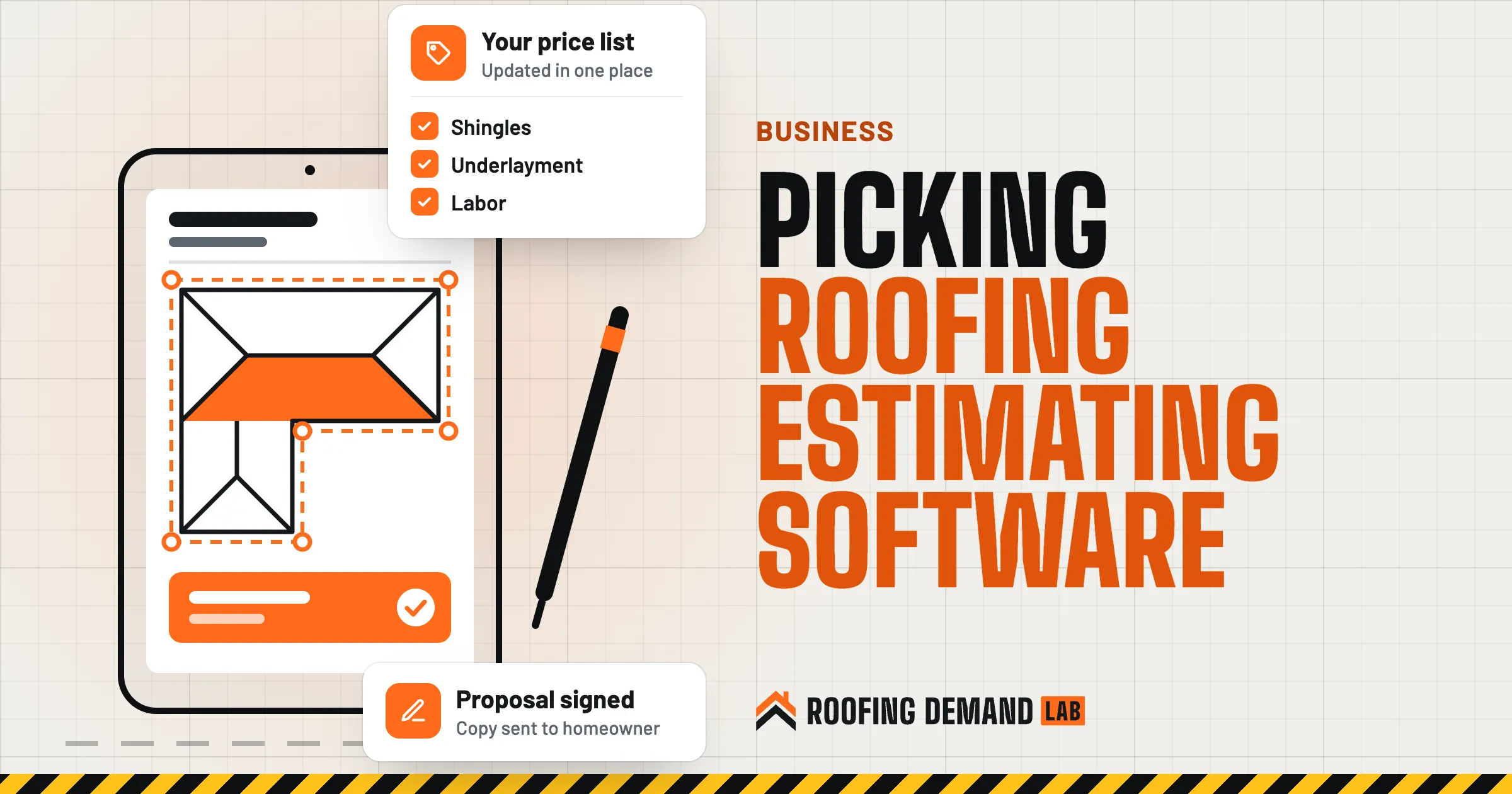
Roofing estimating software turns a roof into a price. It pulls in or takes measurements, runs them through your material and labor costs, and produces a proposal a homeowner can read and sign. Pick well, and an estimate that used to eat an evening at the kitchen table can take a fraction of that. Pick badly, and you’ve bought a faster way to send out wrong numbers with a nice logo on top.
Most pages on this topic are vendors selling their own tool or “top 10” lists. This one doesn’t rank products. It’s the questions we’d ask before signing up for any of them.
The short answer
Choose roofing estimating software by checking four things during a trial: where the measurements come from and how you verify them, whether you control the price list, whether the proposal it prints matches the estimate you’d write by hand, and whether it connects to the CRM you already use. Then build estimates for three jobs you’ve already priced and compare the totals.
What roofing estimating software does
Most tools do some mix of three jobs:
- Measure Squares, pitch, ridges, valleys, eaves, rakes, and penetrations. The numbers come from a measurement report ordered for the address, from tracing the roof on imagery inside the app, or from a rep typing in what they measured on site.
- Price The tool multiplies those measurements by your materials, waste, labor, and markup, using a price list you set up.
- Present It turns the result into a proposal, often with photos, product options, and a place to sign.
Some products do all three, some only measure, and some are a CRM with an estimating tab bolted on.
| Setup | Spreadsheet and a saved template | Estimating-only tool | CRM with estimating built in |
|---|---|---|---|
| Measurements | Typed in by hand | Built in or ordered per roof | Varies, sometimes an add-on |
| Price list | Your own formulas | Set up once in the tool | Set up once in the tool |
| Proposal | A document you format | Generated for you | Generated and saved on the job |
| Follow-up | Somewhere else | Somewhere else | Same place as the lead |
| Fits best | Low volume, one estimator | You already like your CRM | Starting fresh or replacing both |
How to choose roofing estimating software
1. Find out where the measurements come from
Every number on the estimate flows from the measurements, so start here. Ask each vendor:
- Is the measurement from a report ordered per roof, traced by us in the app, or entered by hand?
- Is there a fee per report, and how long does one take to come back?
- Does it show the pitch of each roof face, or one pitch for the whole roof?
- Can a rep correct a measurement on site, and does the price update when they do?
Then remember what imagery is: a picture taken at some point in the past. Google’s own help page for Google Earth puts it plainly: “Images aren’t in real time” (Google Earth: how images are collected (opens in a new tab)). Trees hide eaves. A new addition may not be in the picture yet. And no photo shows soft decking. A measurement report is a head start on the estimate, not a replacement for the inspection.
Measuring from imagery can still save climbs that were only about running a tape, which counts for something: OSHA states that “falls are the leading cause of death for workers engaged in residential construction” (OSHA residential fall protection guidance (opens in a new tab)). Its fall protection rules still apply whenever someone does go up.
2. Make sure you own the price list
Software doesn’t know what your supplier charged you last Tuesday. Somebody has to keep material prices, labor rates, waste factors, and markup current, and a good tool makes that one job instead of forty.
In the demo, ask:
- Can we set our own material prices, or are we stuck with a built-in database?
- If one shingle price changes, does every template pick it up?
- Can we set a different waste factor for a simple gable than for a cut-up hip roof?
- Can the office lock the markup so it can’t be changed quietly in the field?
That last one protects your margin. Our roofing business profit margin guide covers what to track.
3. Hold the proposal up against a good estimate
Print a sample proposal from every tool you try and lay it next to the estimate you’d write by hand. The FTC tells homeowners that “a written estimate should include a description of the work to be done, materials, completion date, and the price” (FTC: how to avoid a home improvement scam (opens in a new tab)). Plenty of software proposals are a big total and a product photo, which isn’t enough.
Look for room to show:
- The scope in the order the crew works, plus a line for what’s not included
- Named products, with manufacturer, product line, and color
- A decking allowance with a per-sheet price
- A payment schedule and estimated dates
- Your license number and your written terms
Our roofing estimate template lays out nine sections. If a tool can’t hold most of them, you’ll end up attaching a second document to every proposal.
Good, better, and best options are worth having too, as long as each one names its products.
4. Read the fine print on e-signatures
Most tools let a homeowner sign on a phone or tablet before the rep leaves. That’s handy. It’s also where a template can quietly leave out something the law expects.
Three-day cancellation rules
The FTC’s Cooling-Off Rule covers many sales made at a buyer’s home for $25 or more. The buyer can cancel until midnight of the third business day after the sale, and the seller must provide a dated copy of the contract or receipt plus two copies of a cancellation form (FTC Cooling-Off Rule (opens in a new tab)). The rule has exceptions, including sales needed to meet an emergency and repairs the customer asked for, and state law can add its own requirements. This is general information, not legal advice. Have your attorney review what your signed proposal needs to include and how it gets delivered.
So ask the vendor: can we add our own terms and a cancellation notice? Does the homeowner get a copy of the signed version automatically? Is the signed copy locked so nobody can edit it afterward? Can we find it again in a year?
5. Connect it to the rest of your sales process
An estimate that lives in one app while the lead lives in another is how follow-ups get missed. Check whether the estimating tool sends the job and the signed amount back to your CRM, or whether it is the CRM. Our roofing CRM guide covers the other half of that decision.
When the CRM knows where each lead came from and the estimating tool records what the job sold for, you can see which marketing turns into signed roofs, not just calls. That’s the number we watch most in our roofing digital marketing work.
6. Go slow with insurance features
Some estimating tools export in formats used on insurance claims or connect to insurance estimating programs. If you do insurance work, that can save retyping. It also brings in rules that vary a lot by state.
Insurance claim rules
Several states restrict how contractors deal with property insurance claims. Florida’s law, for example, bars contractors from offering things of value, such as waiving a deductible, in exchange for a roof inspection or a claim. It also bars them from interpreting policy terms or adjusting a claim for the homeowner unless they hold a public adjuster license, and from presenting an agreement to authorize repairs without a good faith, itemized estimate (Florida Statutes 489.147 (opens in a new tab)). Check your own state’s rules and talk to an attorney before you use any claim-related feature or wording.
7. Run it on a phone, in a driveway
During the trial, check:
- Can a rep start an estimate from the job address, add photos, and adjust a measurement on a phone?
- Does it work on a weak signal, or does it need the office Wi-Fi?
- How long does it take to send a finished proposal from the driveway?
If the honest answer is “they finish it at home tonight,” you haven’t gained much.
8. Ask who sees the numbers, and how you get them out
Your estimating tool holds homeowner names, addresses, photos of their homes, and your cost sheet. The SBA’s cybersecurity guidance for small businesses (opens in a new tab) says each employee should have a separate account with a strong password, recommends multi-factor authentication, and says “employees should have access to only the information they need.” For a roofer, that might mean reps see prices but not your costs and markup. The FTC’s guide to protecting personal information (opens in a new tab) adds a step for vendors: look into a provider’s data security before you hand data over, and put your expectations in the contract.
Then ask how you’d leave. Can you export estimates, price lists, and signed proposals yourself? Rebuilding a price list from scratch is a week nobody wants.
9. Price it by the estimates you’ll actually write
Estimating software is sold as a monthly subscription (often per user), a fee per measurement report, or both, with add-ons like e-signatures. Count the estimates you write in a normal month, the reports you’d order, and the people who need a login. A cheap subscription with pricey reports can cost more than the reverse, so run the math with your own numbers.
Test it with jobs you’ve already priced
Demos use tidy roofs. A fair test uses yours.
- Pick three finished jobs One simple gable, one cut-up roof, and one with something odd, like a low-slope section or a second layer.
- Build each estimate in the new tool Use the same products and prices you quoted at the time.
- Compare the measurements Put the tool’s squares and linear feet next to what your crew actually ordered and installed. Note where they differ and why.
- Compare the totals If a total is off, find out whether it’s the measurement, the waste factor, or the price list.
- Send one to yourself Open the proposal on your phone the way a homeowner would, read it, and sign it.
Tip
Have the person who writes most of your estimates run the trial, not the person who reads the most software reviews. They’ll spot the missing line item in ten minutes.
Fast, clear estimates are about closing the leads you already have. Getting more of those leads in the door is the part we handle, starting with a roofing website built to book inspections, which comes with every plan.
Questions roofers ask about estimating software
What software do roofing companies use?
There’s no official count. Many roofers combine a measurement service, an estimating or proposal tool, and a CRM, while others use one product that covers all three. Plenty still estimate in a spreadsheet. The right mix depends on how many estimates you write and who writes them.
What’s the best software for roofing contractors?
The one that fits how your company sells. Start with where your measurements come from, whether you control the price list, and what the proposal looks like, then test the finalists on jobs you’ve already priced. A tool that tops someone’s list but can’t hold your products or your terms isn’t the best one for you.
How accurate are aerial roof measurement reports?
It depends on the provider, the imagery, and the roof. Trees, recent additions, and complicated roof shapes can all throw a measurement off, and the imagery isn’t live. Compare a few reports with roofs you’ve measured by hand, and verify on site before you order materials.
Is there free roofing estimating software?
Some tools have free plans or trials, and a spreadsheet with a good template costs nothing. Check what the free version leaves out (often measurement reports, e-signatures, or extra users) and whether your data comes with you when you upgrade or leave.