Reviews9 min read
Roofing Reviews: How to Get More Google Reviews the Right Way
Roofing reviews, done right: how to get more Google reviews from every job, when to ask, how to reply, and the Google and FTC rules most advice ignores.

In this article
The roofers with the most Google reviews usually aren’t doing anything clever. They ask every customer, at the same point in every job, with a link that takes one tap. Roofing reviews are harder to come by than restaurant reviews because each customer hires you once every couple of decades, so you get one shot per job. Miss the moment and the review never happens.
This guide covers the routine, plus the rules. Plenty of contractor review advice quietly breaks Google’s policies or the FTC’s fake review rule, and your profile is too valuable to gamble with.
The short answer
Ask every customer for a Google review in person at the final walkthrough, then send your review link the same day. Get the link or QR code from your Business Profile, put it on the invoice and the thank-you email, follow up once, and reply to every review. Never offer anything in exchange, never ask only the happy customers, and never post reviews from employees, family, or anyone you do business with.
Why Google reviews matter so much for a roofer
The first reason is ranking. Google’s own help page on local results says that more reviews and positive ratings can help your business’s local ranking, as part of what it calls prominence (how Google ranks local results (opens in a new tab)).
The second reason is the homeowner. A new roof is one of the bigger checks most people write, and a lot of them read reviews before they pick up the phone. They look for recent jobs, jobs like theirs, and how you handled the one that went sideways.
A review routine for every roofing job
None of these steps is hard. The trick is doing them on every job.
1. Mention reviews when they sign
Tell the homeowner at signing that you’ll ask for a review when the job is done. It takes ten seconds, and it means the request at the end isn’t a surprise.
2. Get your review link and QR code
Google says you create a direct review link and QR code by signing in to your profile on a computer, opening Read reviews, and choosing Get more reviews, and that the QR code can only be made in a computer browser for now, not on a phone (Google’s guide to review links and QR codes (opens in a new tab)). Copy the link into a note on your phone and save the QR code image somewhere your office can grab it.
Customers need to be signed in to a Google Account to post a review, and Google notes they can create one with a non-Gmail address (Google’s review tips for businesses (opens in a new tab)). Mention that if someone says they don’t use Gmail.
3. Ask in person at the final walkthrough
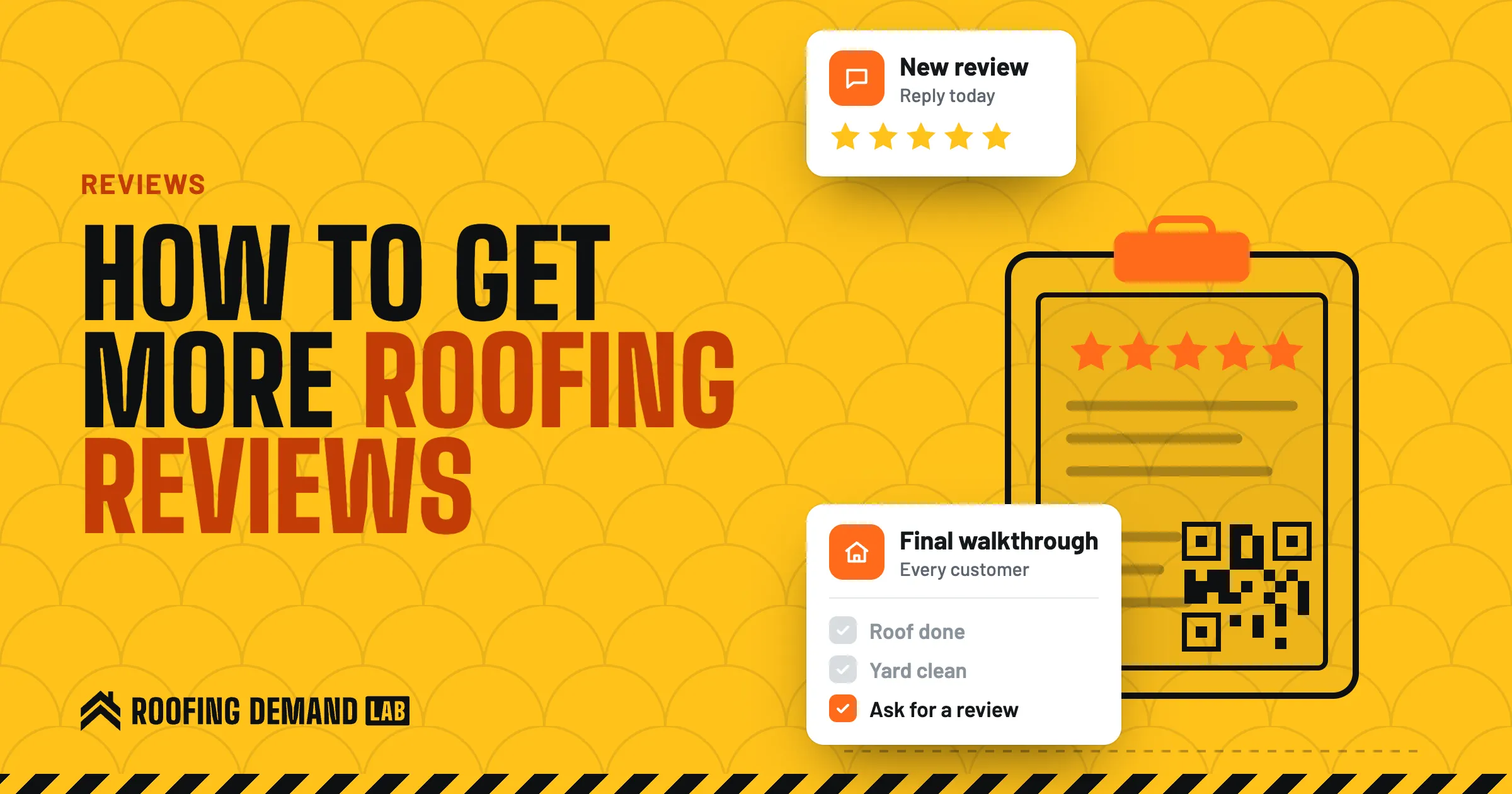
This is the moment. The roof is done, the yard is clean, and the homeowner is standing next to you looking at it. Something like: “Would you mind leaving us a Google review? I’ll text you the link tonight. Even a sentence about the job helps other people in town.” Keep it plain. Don’t tell them what to say or how many stars to give.
4. Send the link the same day
Send the link that evening, while the job is fresh. A short message works: thank them, name the job, paste the link. If you text it, make sure you have their OK to text first.
Texting rules
FCC rules require consent before autodialed calls or texts to a cell phone, and commercial texts require written consent (FCC guide to robocalls and texts (opens in a new tab)). Add a line to your contract or estimate form where the homeowner agrees to job updates by text, and keep a record of it. If you plan to send review requests through texting software, check with an attorney first.
Email works too. The FTC says messages whose main purpose is transactional or relationship are exempt from most of the CAN-SPAM Act, while commercial email has to follow the full rules (FTC CAN-SPAM compliance guide (opens in a new tab)). If a review email also pushes gutter guards or a seasonal offer, follow the full rules: accurate sender information, an honest subject line, your postal address, and a working opt-out.
5. Follow up once, then let it go
If nothing shows up after a few days, send one reminder. After that, stop. Chasing someone three or four times turns a good job into an annoying memory, and it edges toward the kind of pressure Google’s policy on rating manipulation warns against (Google’s rating manipulation policy (opens in a new tab)).
6. Put the link where customers already look
Google suggests sharing the link or QR code on receipts and in thank-you emails (Google’s guide to review links and QR codes (opens in a new tab)). For a roofer, that means:
- The final invoice and receipt
- The warranty packet
- Your thank-you email
- The contact page on your website
Send one link, not five. Pick Google first.
The review rules most advice ignores
Some contractor marketing advice suggests surveying customers first and only sending the Google link to the happy ones, or asking your supplier rep and subs for reviews. Both break Google’s rules.
Ask everyone, not just the happy ones
Google’s Maps content policy lists “selectively solicit positive reviews from customers” as rating manipulation, right next to discouraging or prohibiting negative reviews (Google’s prohibited and restricted content policy (opens in a new tab)). A “how did we do?” survey that only sends the 5-star folks to Google is exactly that. The FTC’s guidance on its review rule also warns that selectively asking only satisfied customers may still violate the FTC Act (FTC questions and answers on the reviews rule (opens in a new tab)).
No incentives of any kind
Google says that offering incentives, like free or discounted goods or services, in exchange for reviews is strictly prohibited, and that includes paying someone to change or remove a review (Google’s review tips for businesses (opens in a new tab)). The FTC rule technically allows some incentives that aren’t tied to a positive review, but Google’s policy is stricter, and it’s Google’s profile you’re putting at risk. No gift cards, drawings, or “$50 off your gutters for a review.”
No reviews from insiders
Google’s policy covers content based on a conflict of interest, which it says may include current or former employment, a contractual relationship, and family ties (Google’s prohibited and restricted content policy (opens in a new tab)). That rules out your crew, your office manager, your cousin, your supplier, your subs, and the realtor who sends you inspections. Ask the homeowners you work for.
No review quotas for staff
The same Google policy names merchants requesting that staff solicit a certain number of reviews. Build the ask into every walkthrough instead of giving someone a number to hit.
Never buy or fake reviews
The FTC’s rule on consumer reviews and testimonials took effect on October 21, 2024. It bans writing, buying, or selling fake reviews, and the FTC says it lets courts impose civil penalties for knowing violations (FTC questions and answers on the reviews rule (opens in a new tab)). The same rule bars using intimidation or unfounded legal threats to get a review taken down.
Keep review gag clauses out of your contract
Under the Consumer Review Fairness Act, a contract can’t bar customers from reviewing you or charge them a penalty for posting a review, and the FTC says to remove any clause like that even if you’ve never enforced it (FTC guide to the Consumer Review Fairness Act (opens in a new tab)).
| What gets roofers in trouble | What to do instead | |
|---|---|---|
| Who to ask | Only customers who said they loved it | Every customer, every job |
| What to offer | A discount, gift card, or drawing | Nothing but a thank-you |
| Who reviews you | Crew, family, suppliers, subs | Homeowners you did work for |
| How to keep it going | A monthly review quota for staff | An ask built into every walkthrough |
| Bad reviews | Threats, or a clause in the contract | A calm public reply, and a flag if it breaks policy |
How to reply to roofing reviews
Reply to every one, good and bad. Google says replying shows customers you value their feedback, and that positive reviews and helpful replies can help your business stand out (how Google ranks local results (opens in a new tab)).
Google’s tips for replies are practical: keep them short, polite, and relevant, skip the generic thank-you, don’t use replies to push deals, and on negative reviews, never share the reviewer’s information or attack them (Google’s review tips for businesses (opens in a new tab)). Replies post under your business name, not yours personally, and Google checks them against its content policies before they go live (Google’s guide to managing reviews (opens in a new tab)).
For a good review, name the job and the town: “Thanks, Linda. Glad the tear-off on Elm Street went quickly.” (A made-up example.) It reads like a person wrote it, because one did.
For a bad review, write for the next homeowner reading it, not the reviewer. Acknowledge the problem, say what you did or will do, and offer to talk offline. Then actually call them.
What to do about a fake or unfair review
You can’t delete a customer’s review yourself. What you can do is flag it. Google says reviews that violate its content policies are removed after a report, but that you shouldn’t report a review just because you disagree with it, and that it doesn’t get involved in conflicts between businesses and customers (Google’s guide to reporting reviews (opens in a new tab)).
So flag the ones that really break the rules, like spam, profanity, or a competitor posing as a customer. Google’s Reviews Management Tool shows each report’s status, and if Google finds no violation, you get a one-time appeal. For an honest but harsh review, your tool is the reply.
Make reviews do more than sit on Google
Your Google Business Profile shows reviews automatically. Your website should point to them too, near the contact form and on service pages, so someone comparing roofers doesn’t have to leave to check. Every roofing website we build puts reviews and real job photos up front for that reason. The roofing sales guide covers the walkthrough the review ask grows out of, and a yard sign on the job works the same street while the reviews come in.
At Roofing Demand Lab, every plan includes Google Business Profile setup and management plus a review request link and QR code, and the Growth plan adds replies to every Google review. It’s part of the local SEO work on our roofing SEO page. We can’t promise how many reviews you’ll get, though.
Questions roofers ask about Google reviews
Do Google reviews help SEO?
They can help your local rankings. Google says more reviews and positive ratings can help a business’s local ranking, as one part of prominence alongside relevance and distance. They won’t make up for a thin website or an incomplete profile.
Can you delete Google reviews?
Not yourself. You can flag a review that breaks Google’s content policies, such as spam, a conflict of interest, or someone who was never a customer, and Google removes it if it agrees. A review you simply disagree with stays up, so answer it with a calm public reply.
How do I respond to a negative Google review?
Keep it short and professional, acknowledge the problem, explain what you did or will do, and offer to talk directly. Don’t share the customer’s details or argue the facts line by line. Write it for the next homeowner who reads it.
Can you buy Google reviews?
No. Google’s policies ban paid reviews, and the FTC’s rule on fake reviews, in effect since October 2024, allows civil penalties for knowingly buying or posting them. Offering a discount or gift card in exchange for a review also breaks Google’s rules.