Business9 min read
Roofing Apps: Which Ones Belong on Your Crew's Phones
Roofing apps sorted by the job they do: photos, measuring, estimates, CRM, time, safety, and drones. What to check before your crew installs one.

In this article
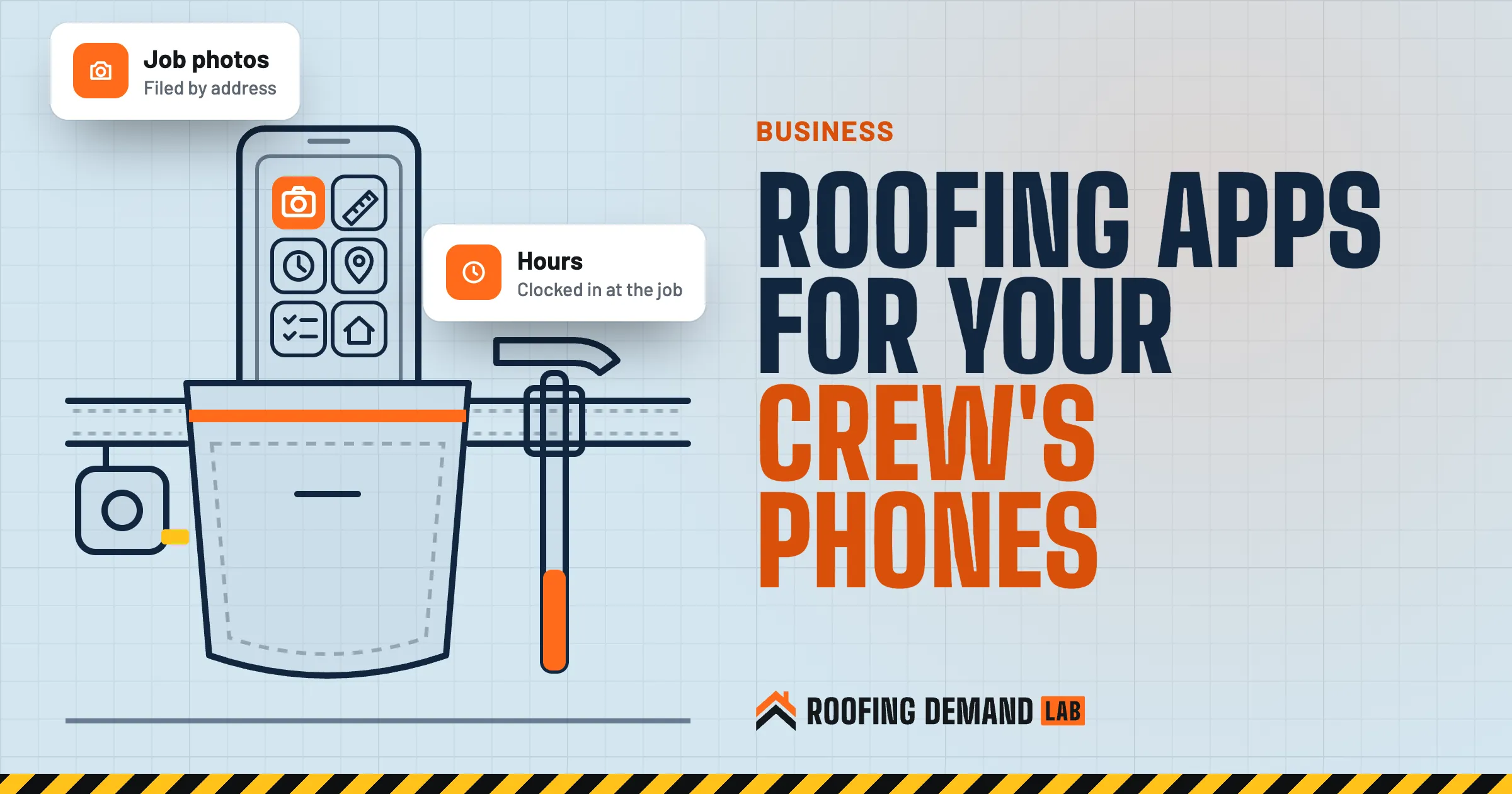
The best roofing apps are the few your crew opens every day without being reminded. For most companies that’s a photo app that files pictures by job, a way to measure and price, the CRM’s phone app, and something to log hours. Safety tools and drone apps earn a spot when the work calls for them. Everything else is a login nobody remembers.
Search for roofing apps and you’ll mostly find software companies ranking their own product first. This guide doesn’t rank anything. It sorts apps by the job they do on a roofing crew, so you can decide which jobs need an app at all, and what to check before anyone taps “install.”
The short answer
Start with the jobs, not the app store. Most roofing companies need an app for job photos, one for measuring and estimates, the phone version of their CRM, and a way to track hours. Add safety and drone apps when the work calls for them. Before anyone installs anything, check what data the app collects, who controls the accounts, and how you get your records out.
Start with the job, not the app
Every app on a crew phone should answer one question: what job does it take off somebody’s plate? If nobody can name the job, skip it.
| Job on the crew | What the app does | Who uses it most |
|---|---|---|
| Job photos | Files photos by address with the date | Everyone on site |
| Measuring | Pulls or traces roof measurements | Estimators, sales reps |
| Estimates and proposals | Turns measurements into a price the homeowner signs | Sales reps, the office |
| Leads and follow-up | Shows each lead, its stage, and the next step | Sales reps, the office |
| Hours and mileage | Logs time on each job and miles driven | Crew leads, the office |
| Safety | Heat and ladder checks | Crew leads |
| Drones | Flies and records roof inspections | A certified pilot only |
| Google Business Profile | Posts job photos and answers reviews | Owner or office manager |
The roofing apps worth putting on a crew’s phone
1. A photo app that files pictures by job
If your crew takes one kind of picture, it’s job photos: the roof before tear-off, damaged decking, the flashing detail, the finished ridge. In most companies those photos live in five camera rolls and a group text, and the one picture you need for a dispute is on the phone of a guy who quit in June.
A good photo app tags every picture with the job address and the date, and it sends them to a shared folder the office can see. Look for one that works offline and uploads once the phone gets signal again, because a lot of roofs sit in dead zones.
Those same photos feed your marketing. Before you post a customer’s house online, ask for their permission. Our guide to social media for roofers covers what to post and what to skip.
2. A measuring app, with a reality check
Measuring apps either order a measurement report for an address or let you trace the roof on aerial imagery. Either way, you get squares, pitch, and linear feet without a tape.
Remember what the picture is, though. Google’s help page for Google Earth says “Images aren’t in real time, so you won’t see live changes” (Google Earth: how images are collected (opens in a new tab)). Trees hide eaves. A new addition might not be in the picture yet. No photo shows soft decking. Use the app for a head start, then confirm on site before you order materials.
Measuring from the ground can still save climbs that were only about running a tape. That matters: OSHA says “falls are the leading cause of death for workers engaged in residential construction” (OSHA residential fall protection guidance (opens in a new tab)). Its fall protection rules still apply whenever someone goes up.
3. An estimating or proposal app
The estimate is where a measuring app either pays off or falls apart. The app should use your price list, your waste factors, and your terms, and it should produce a proposal a homeowner can read on a phone and sign.
We wrote a whole guide on this one. How to choose roofing estimating software walks through what to test, including building estimates for three jobs you’ve already priced and comparing the totals.
4. Your CRM’s phone app
Your CRM is only as good as the version your reps carry. If adding a note on the phone takes six taps, the note ends up on a receipt in the truck. During a trial, have a rep add a lead, move it a stage, attach a photo, and schedule a follow-up, all one-handed, standing in a driveway.
Texting rules
Many CRMs can send texts. The FCC bans autodialed texts to a cell phone unless the owner gave consent first, and says “commercial texts require written consent” (FCC: stop unwanted robocalls and texts (opens in a new tab)). Get permission on your forms before you send marketing texts, and talk to an attorney about how your setup handles consent.
Our roofing CRM guide covers the rest of that decision.
5. A time and mileage app
Paper timesheets turn into guesses by Friday. A time app lets a crew lead clock in at the job address and keeps the hours tied to the job, so you can see what each roof actually cost in labor.
The law doesn’t require any particular tool. The Department of Labor’s FLSA recordkeeping fact sheet lists “hours worked each day” and “total hours worked each workweek” among the records employers keep for each non-exempt worker, and says “the Act requires no particular form for the records” (DOL Fact Sheet #21 (opens in a new tab)). It also says payroll records are kept for at least three years. Whatever app you pick, make sure you can export those records. State law can add its own rules, so check with your accountant or attorney.
6. Safety apps for heat and ladders
Two free government apps are worth knowing about.
- Heat. OSHA and NIOSH offer a heat app that works as “a simple heat calculator on your device,” and OSHA notes it “provides only heat index (HI), not WBGT,” with workload guidance (OSHA heat app page (opens in a new tab)). It’s a quick check before a crew loads up for an August tear-off.
- Ladders. The NIOSH Ladder Safety app has a tool that uses visual, sound, and vibration signals to help set an extension ladder at the right angle, plus an inspection checklist. NIOSH also says the app “is not receiving updates at this time” (NIOSH Ladder Safety app (opens in a new tab)), so test it on your crew’s phones before you count on it.
Safety apps don’t replace a safety plan
An app is a reminder, not training or equipment. Follow OSHA’s rules and your own written safety program, and check your state’s requirements.
7. Drone apps, only with a certified pilot
Drone inspection apps can photograph a whole roof in a few minutes. But flying for work is regulated. The FAA says that to fly under its Small UAS Rule (Part 107), “you must obtain a Remote Pilot Certificate from the FAA” (FAA: become a drone pilot (opens in a new tab)). Its commercial operator page adds that registering a drone costs $5 and is valid for three years (FAA: certificated remote pilots (opens in a new tab)).
If nobody on your team holds the certificate, the drone app can wait. Check local rules too, and tell the homeowner before anything flies over their house.
8. Google Maps, for your Business Profile
Most roofers don’t think of Google Maps as a work app. It is. Google’s help center says you can edit your Business Profile in the Google Maps app: open Maps, tap “Business,” then “Edit profile” (Google: edit your Business Profile (opens in a new tab)). That makes it easy to post a finished job from the driveway or reply to a review the same day.
Keep that login with the owner or office manager, not whoever set it up years ago. Our Google Business Profile guide covers setup, categories, and photos.
What to check before anyone installs an app
Every app on a crew phone holds something: homeowner addresses, photos of their homes, your prices, your crew’s hours. Check four things first.
- What the app collects Apple asks developers to describe their app’s privacy practices, “including the practices of third-party partners,” for the App Store’s privacy details (Apple: app privacy details (opens in a new tab)). Google Play’s Data safety section shows what an app says it collects and shares, and whether you can ask for your data to be deleted (Google Play: Data safety (opens in a new tab)). Read both before you install.
- Who owns the accounts The SBA’s cybersecurity guidance for small businesses (opens in a new tab) says each employee should have a separate account with a strong password, that “employees should have access to only the information they need,” and that multi-factor authentication is “an important security measure.” Never share one login across the crew.
- What happens to a lost phone The SBA says laptops and mobile devices “can be easy targets for theft,” so lock them when unattended. It also says it’s best to set software to install updates automatically.
- How you get your data out Before you commit, find out whether you can export your photos, estimates, and hours yourself. If you leave the app, the records should leave with you.
Tip
When someone leaves the company, turn off their access to every app the same day. A shared list of who has which login makes that a five-minute job.
Roll out fewer apps, and use them every day
- List the jobs Write down the jobs from the table above that actually slow your company down.
- Pick one app per job If one app covers two jobs well, that’s better than two apps.
- Trial it on real work Run each app on a week of real jobs, with the person who’ll use it most.
- Show the crew once, in person Five minutes in the yard beats a training video nobody watches.
- Cut what nobody opens After a month, check which apps get used. Cancel the rest.
The apps on your crew’s phones handle the jobs you already have. The next job usually starts somewhere else: a Google search, the map, or your website. That part is what we do, starting with a roofing website and local SEO in every plan.
Questions roofers ask about roofing apps
What’s the best mobile app for roofing contractors?
There isn’t one best app, because no single app does every job well for every company. Start with the jobs that slow you down, usually photos, estimates, and follow-up, and pick the app that handles those on a phone. Then test it on real jobs before you sign a long contract.
Is there an app that helps with roofing quotes using photos?
Some estimating and measuring apps work from aerial imagery or photos to build a roof outline you can price. They can save time on the first draft. Google notes its imagery isn’t live, though, so confirm measurements and decking on site before the final price.
Is there a free app to measure a roof?
Some apps offer free trials or free plans, and some charge per measurement report. Check what the free version leaves out and what a report costs. Whatever you use, verify the numbers on site before you order materials.
Which roofing CRM has the best mobile app?
The one your reps actually use on a roof. During a trial, have a rep add a lead, move it a stage, attach photos, and schedule a follow-up on a phone, one-handed. If that’s slow or confusing, keep looking.