Google Ads9 min read
Google Ads for Roofers: A Setup That Doesn't Waste Money
Google Ads for roofers, set up step by step: the default settings that leak budget, match types, negative keywords, call tracking, and a first-month routine.

In this article
- Search ads or Local Services Ads?
- How to set up Google Ads for roofers, step by step
- 1. Start with a Search campaign on Google search only
- 2. Target people in your area, not people “interested” in it
- 3. Set a budget you can live with for a whole month
- 4. Build ad groups by job type
- 5. Pick match types on purpose
- 6. Load negative keywords before you launch
- 7. Write ads that say what you actually do
- 8. Send each ad group to its own page
- 9. Track calls and forms before you spend
- 10. Run ads when someone answers the phone
- Your first month with roofing Google Ads
- Questions roofers ask about Google Ads
Google Ads for roofers can start showing your company to homeowners searching for a roofer within days of launch. It can also burn through a month of budget on people looking for roofing jobs, roof racks, and how-to videos. The difference is rarely the ad itself. It’s a handful of settings, most of them chosen for you by default, that decide who sees the ad and what you pay for.
This guide walks through a roofing Google Ads setup in the order the account asks for it, then covers what to check each week once the ads are live. Nobody can tell you how many calls a budget will bring in. But you can make sure every dollar is aimed at a homeowner who might hire you.
The short answer
Run a Search campaign on Google search only, target people located in your service area (not people “interested” in it), and split ad groups by job type: repair, replacement, and storm damage. Start with phrase and exact match, load negative keywords, give each ad group its own page, and track calls before you spend. Then read the search terms report weekly.
Search ads or Local Services Ads?
Google sells roofers two different kinds of ads, and they bill differently. Search ads are the “Sponsored” text ads, and you pay per click. Local Services Ads work differently, and you pay per lead: Google says you “only pay when a customer gets in touch from your ad” (how Local Services Ads rank (opens in a new tab)).
| Local Services Ads | Search ads | |
|---|---|---|
| You pay for | Leads | Clicks |
| Control over searches | Job types and service areas | Every keyword and negative keyword |
| Best for | Paying only for leads, where open to roofers | Picking the exact jobs you want more of |
You can run both. This article is about Search ads, because that’s where the settings matter most and where it’s easiest to waste money. For Local Services Ads, see step 6 of our guide on how to get roofing leads.
How to set up Google Ads for roofers, step by step
1. Start with a Search campaign on Google search only
When you build a Search campaign, the Networks section offers to include the Google Display Network. Google’s help page says that with this on, your Search ads “can also appear on relevant website pages and apps on the Google Display Network” (Display Expansion on Search campaigns (opens in a new tab)). That’s banner territory, on sites and apps where nobody typed “roof repair.”
Search partners are the other add-on. They extend your ads to “hundreds of non-Google websites” and YouTube (Google’s search partners definition (opens in a new tab)). When you’re starting out, you want clean numbers from Google search alone, so leave Display unchecked and judge search partners later, once you have data.
2. Target people in your area, not people “interested” in it
This is the setting that’s easiest to miss. Under location options, Google’s default is “Presence or interest,” which reaches people in or regularly in your area, plus people who’ve shown interest in it (Google’s location targeting options (opens in a new tab)). Interest can come from what someone searches or reads.
That works for a bakery in Paris. But someone three states away reading about your town isn’t standing under a leaking roof there. Switch it to “Presence,” which limits the ads to people who are likely to be located, or regularly located, in your targeted areas. Google notes that changing from the default usually cuts impressions. For a roofer, that’s the point.
Then target only the towns your crews will actually drive to.
3. Set a budget you can live with for a whole month
Your daily budget is an average, not a ceiling. Google’s budget page says your daily spending limit is “two times your average daily budget for most campaigns,” and your monthly limit is 30.4 times the daily budget (how Google Ads budgets work (opens in a new tab)).
Here’s what that means with made-up numbers. Set $50 a day and you could see a $100 day, but the month should top out around $1,520 (30.4 times $50). So pick the daily number by working backward from what you can spend in a month, and don’t panic when one day runs high.
4. Build ad groups by job type
Roof repair, roof replacement, and storm or hail damage are different jobs with different searches. Give each its own ad group, keywords, ads, and page, so you can see which job type turns into signed work and push the budget toward it.
Start with the two or three jobs you want most and add the rest later. (Our post on roofing keywords groups the searches homeowners make by job type, which maps straight onto ad groups.)
5. Pick match types on purpose
Match types decide how loosely Google can stretch your keyword. Google’s keyword match types page (opens in a new tab) lists three:
- Broad match (no symbols, and it’s the default): ads may show on searches “related to your keyword,” even ones that don’t use it.
- Phrase match (“roof repair”): the search has to include the meaning of your keyword.
- Exact match ([roof replacement near me]): the search has to have the same meaning or intent. It gives you the most control and the fewest searches.
Broad match catches everything the narrower types do, plus more, and on a small budget “more” mostly means searches you didn’t plan for. Start with phrase and exact, and try broad later on a campaign where your tracking already works.
6. Load negative keywords before you launch
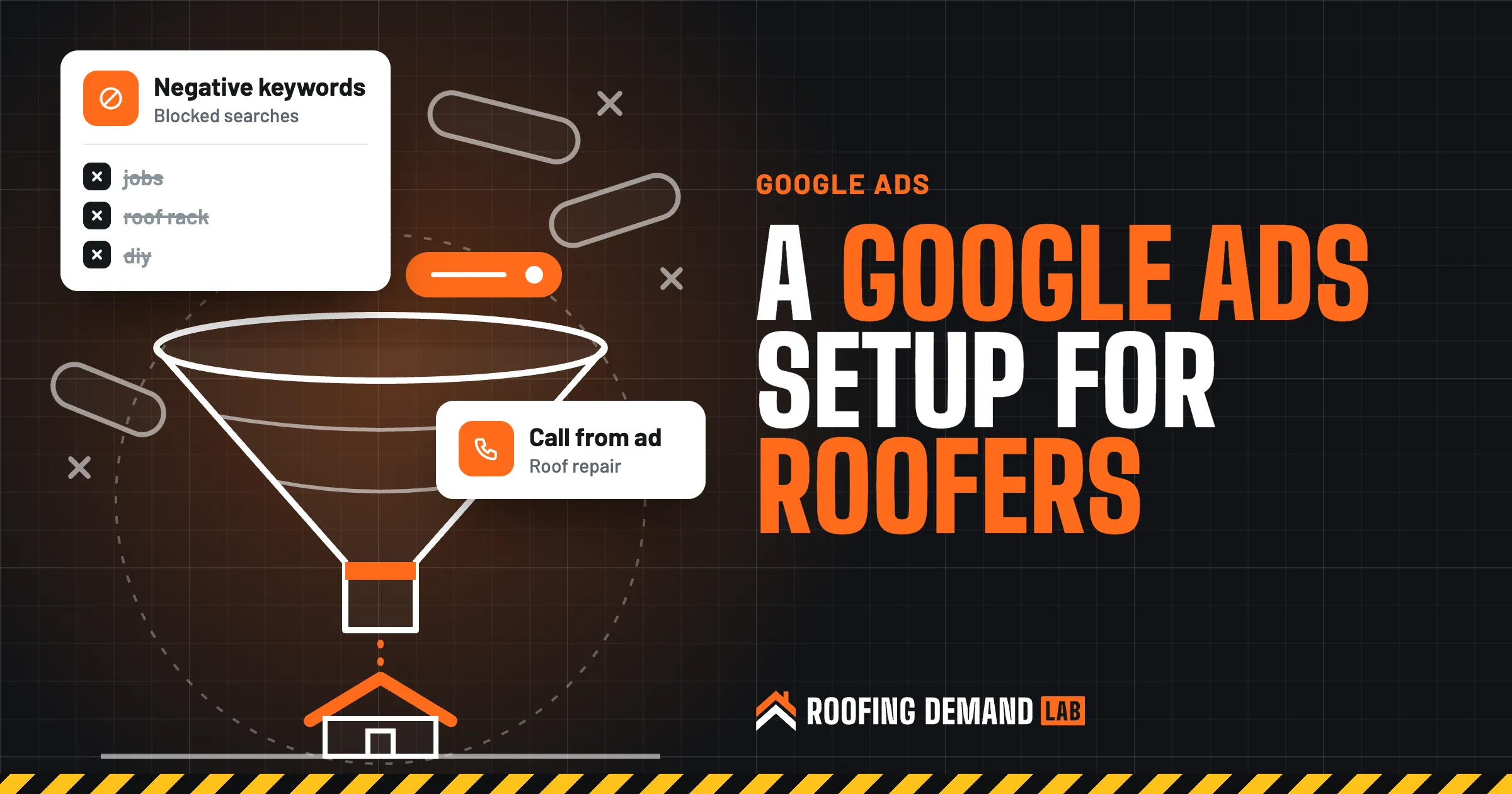
Negative keywords stop your ad from showing on searches you don’t want. Google’s own example is an eyeglasses store blocking “wine glasses” (about negative keywords (opens in a new tab)). Roofing has plenty of its own wine glasses. A starter list:
- Job seekers: jobs, hiring, salary, apprentice, training, certification
- DIY: how to, diy, video, youtube, tutorial
- Shoppers: shingles for sale, wholesale, supply, price per bundle
- The wrong roof: roof rack, rooftop tent, sunroof, rooftop bar, rv roof
Swap in your own. If you do RV roofs, keep that one off the list.
Negative keyword gotcha
Negatives don’t stretch the way regular keywords do. Google says they “won’t match to close variants or other expansions,” so you’ll need to add singular and plural versions yourself (Google’s negative keyword rules (opens in a new tab)). Blocking “job” doesn’t block “jobs.” Google also warns that too many negatives can shrink your reach, so cut what’s clearly wrong and leave the gray areas for later.
7. Write ads that say what you actually do
A responsive search ad takes up to 15 headlines of 30 characters each and up to 4 descriptions of 90 characters. Google mixes them into different combinations, and anything you pin to headline position 1 always shows, though pinning limits the combinations it can test (about responsive search ads (opens in a new tab)). Pin only what has to be there, like the job type.
Spend the headlines on specifics: the service, the towns you cover, warranties and manufacturer certifications you actually hold, and how fast you can really get out for an inspection.
Insurance wording rules
Be careful with ads about storm damage and insurance claims. Florida, for example, restricts contractor advertising aimed at getting homeowners to contact a contractor about a claim unless it carries required disclosures, and it bans offering a deductible waiver, rebate, or gift in exchange for a roof inspection or claim (Florida Statutes section 489.147 (opens in a new tab)). Other states have their own rules. Check yours, or ask a licensed attorney, before an ad mentions insurance or deductibles.
8. Send each ad group to its own page
A roof repair ad that lands on your homepage makes the homeowner hunt. Send it to your repair page, with the phone number up top, a short form, real photos, and the towns you cover.
If your site doesn’t have those pages yet, build them first, because it’s hard to judge an ad when the page behind it is the problem. Every roofing website we build has a page for each service.
9. Track calls and forms before you spend
Without tracking, Google Ads can only report clicks, and clicks don’t pay for shingles. Google’s phone call conversion setup (opens in a new tab) covers three kinds of calls:
- Calls from ads, when someone taps the number in the ad itself
- Calls to a number shown on your website, after they clicked through
- Clicks on the number on your website from a phone
Add your quote form as a conversion too. Later, look at uploading offline conversions, which Google says let you match leads that close later to your CRM or sales records. That’s how you see which keywords turned into signed roofs.
10. Run ads when someone answers the phone
New campaigns run “All day” by default (Google’s ad scheduling page (opens in a new tab)). If nobody picks up after 6 p.m., you’re paying for calls that go to voicemail, and some homeowners will just call the next roofer. You can set the hours and days your ads show, or lower your bids for the times you’re harder to reach.
If you staff the phones late after a hail storm, open the schedule back up while it lasts.
Your first month with roofing Google Ads
The setup is half the work. Google’s search terms report (opens in a new tab) shows the real searches that triggered your ads, and Google’s advice is direct: if a search term isn’t relevant to what you offer, add it as a negative keyword.
- Week one Check the search terms report every day or two. You’ll find searches you never thought to block. Add them as negatives.
- Weeks two through four Check weekly. Pause keywords that get clicks but no calls or forms, and make sure every call you got shows up as a conversion.
- Month two and after Move budget toward the ad groups that turn into signed jobs. Adjust the schedule and the towns you target based on where the work came from.
An honest warning
Click prices and results change by market, season, and how many other roofers are bidding. Nobody can promise a set number of calls or jobs from Google Ads, us included. What a careful setup can do is make sure the money goes toward searches that could turn into work.
If you’d rather hand this off, Google Ads and Local Services Ads management is an add-on to any of our monthly plans, and your ad spend goes straight from your card to Google. Our roofing PPC page covers how we run it.
Questions roofers ask about Google Ads
Do Google Ads work for roofers?
They can, when the ads are aimed at homeowners ready to hire and the account is tracking calls. If Google Ads didn’t work for you before, check the settings above first. Broad match, Display placements, and clicks from outside your area can all spend money on people who were never going to hire you.
How do I market a roofing company with Google Ads?
Start with one Search campaign split into repair, replacement, and storm damage, aimed at people located in your service area, with negatives loaded and a matching page for each ad group. Add Local Services Ads alongside it if they’re open to roofers where you work.
How much does roofing PPC cost?
You pay Google per click for Search ads and per lead for Local Services Ads, and those prices depend on your market and how many other roofers are bidding. You control the total with your budget: a $50 daily budget caps out around $1,520 a month under Google’s 30.4x monthly limit. If an agency manages it, their fee is on top of the ad spend.
Is $10 a day enough for Google Ads?
It’s enough to learn something, but not much. At $10 a day, Google can spend up to $20 on a given day and about $304 in a month. In a market where roofing clicks are expensive, that may be only a handful of clicks, so keep it to exact match on your most valuable job type and track every call.